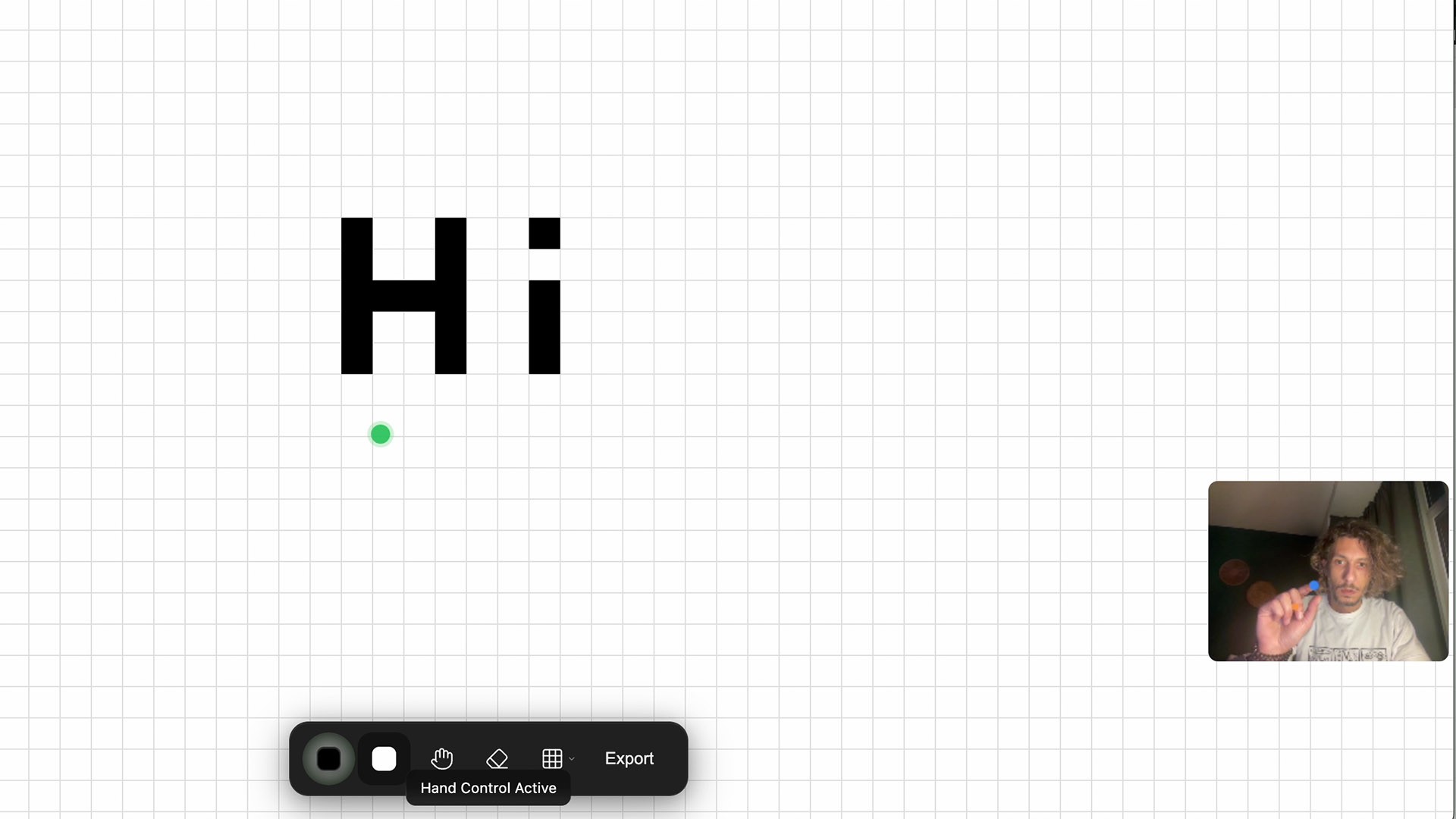
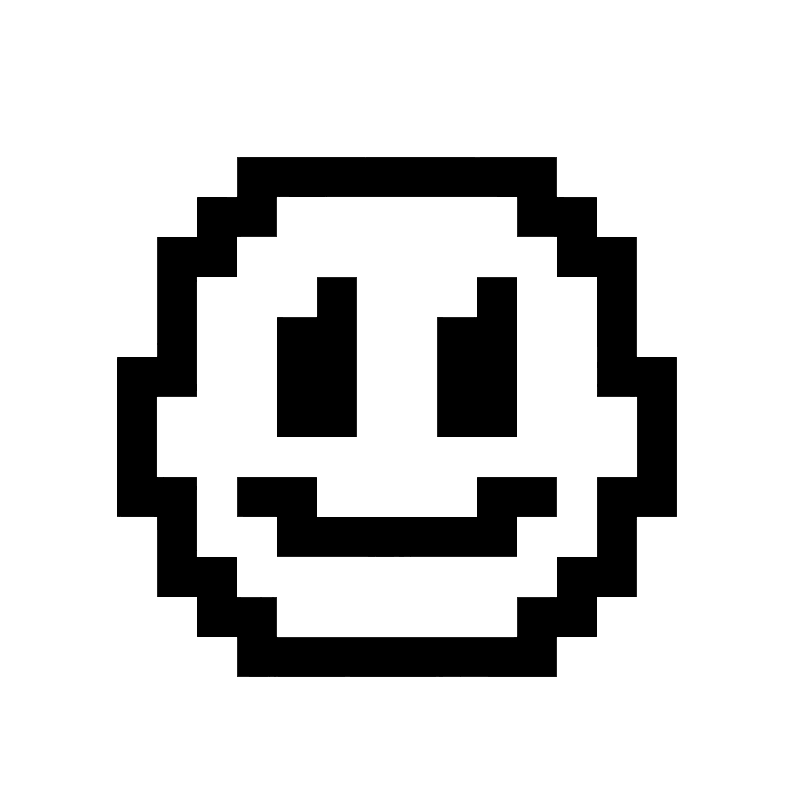
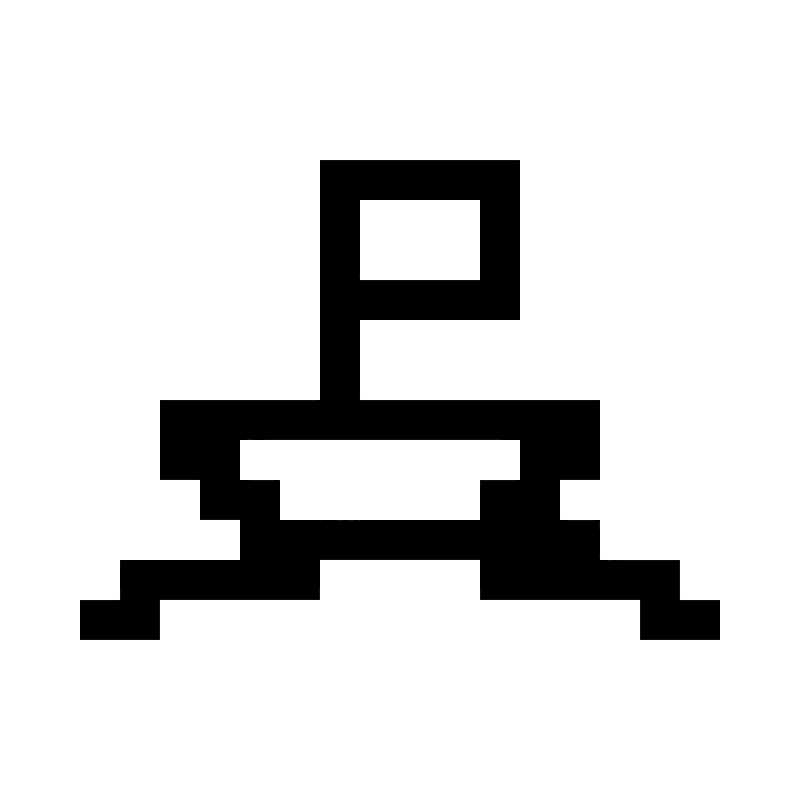
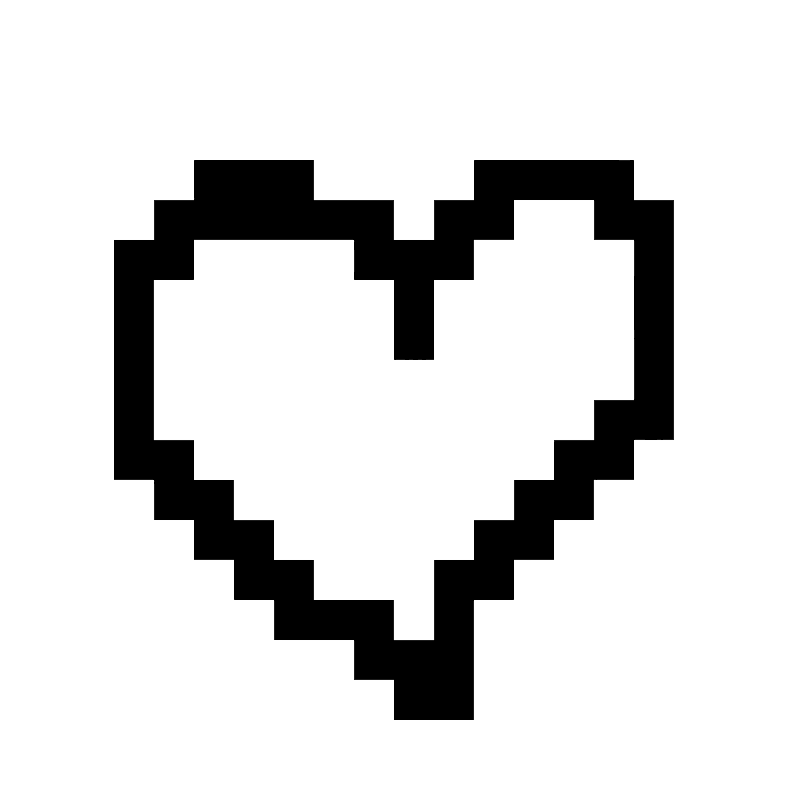
Karu is a simple tool that lets you create using shape brushes. You compose artwork, icons, and designs through form, color, and structure.

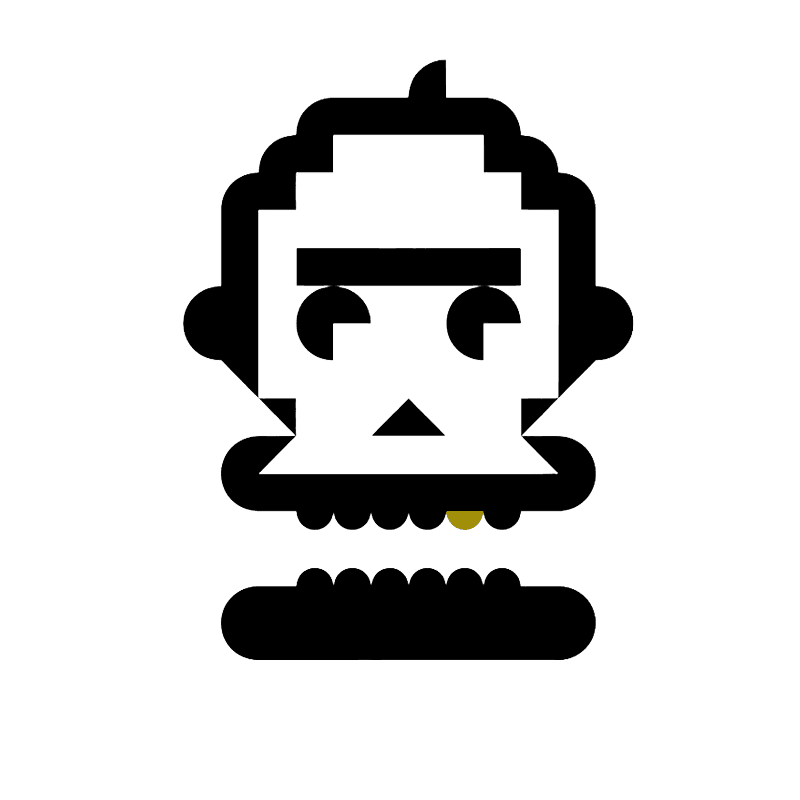
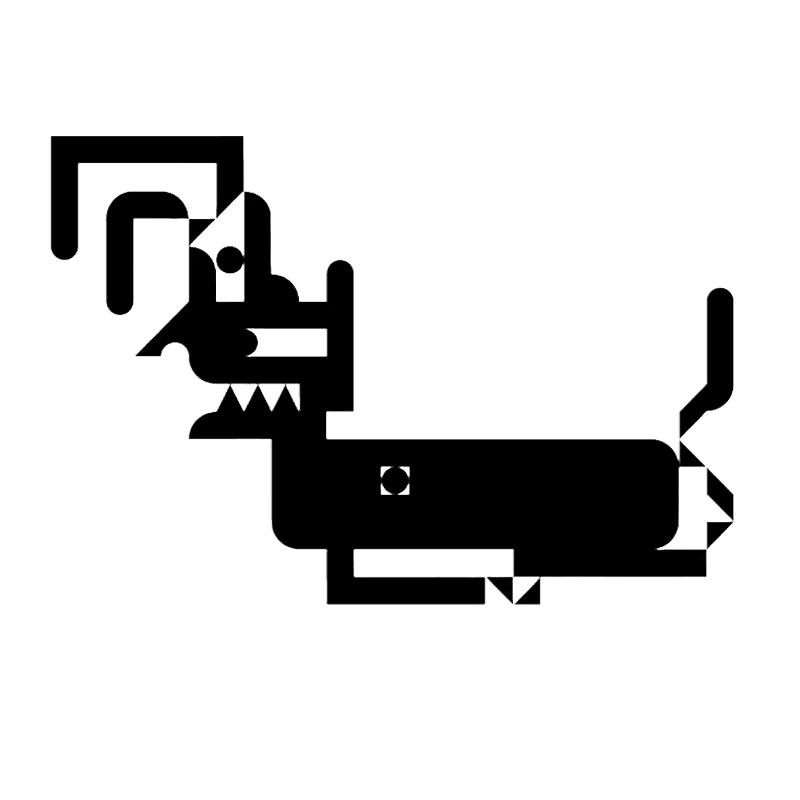
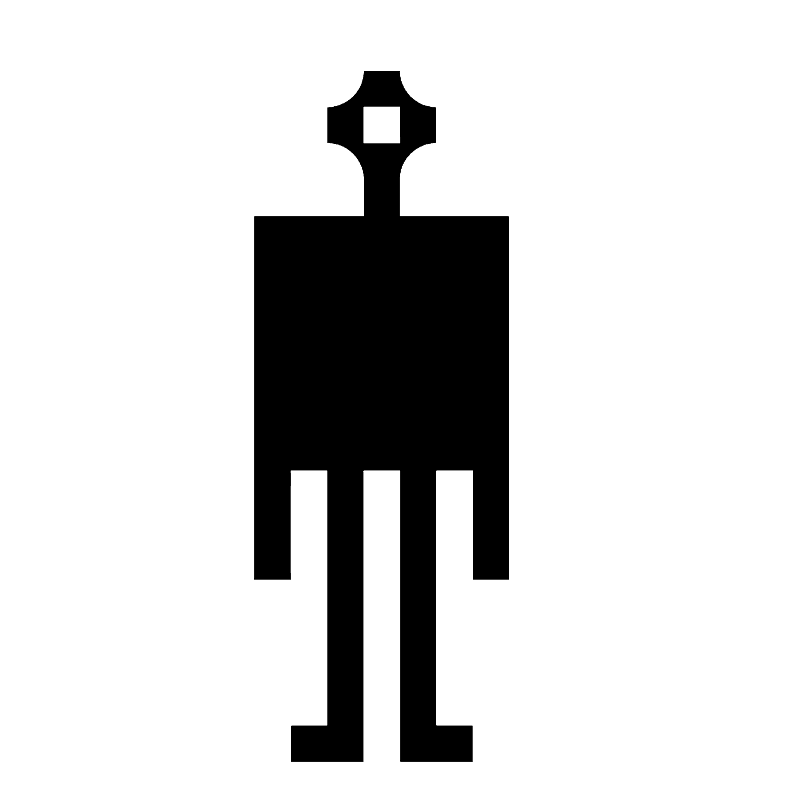
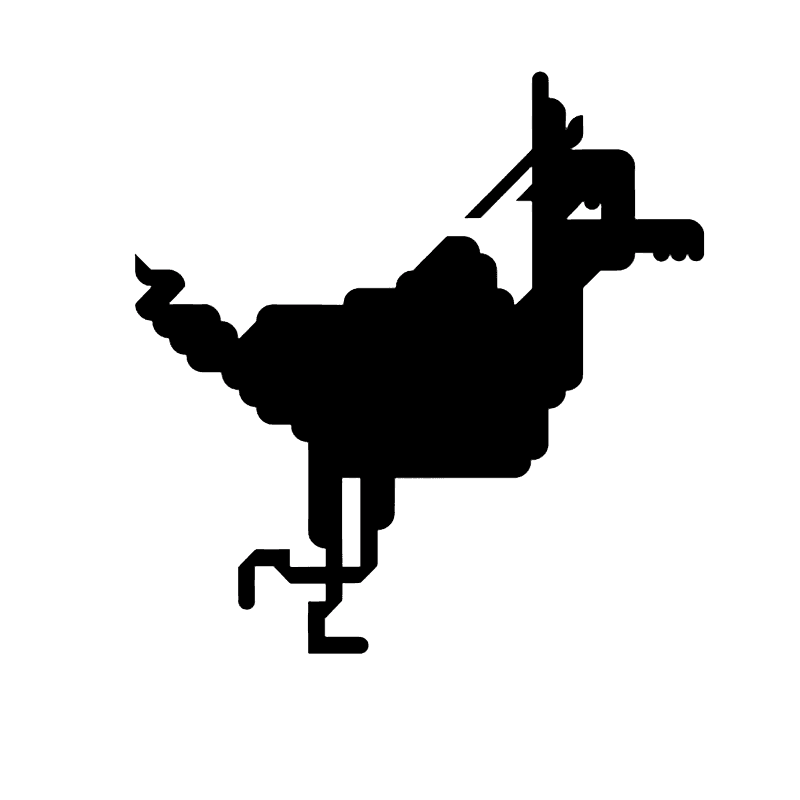
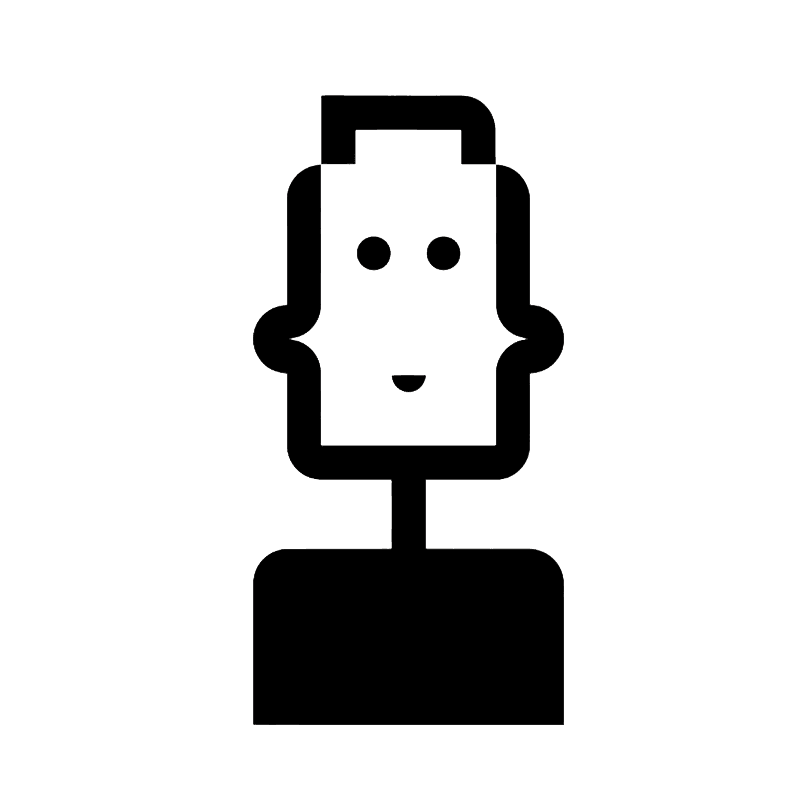
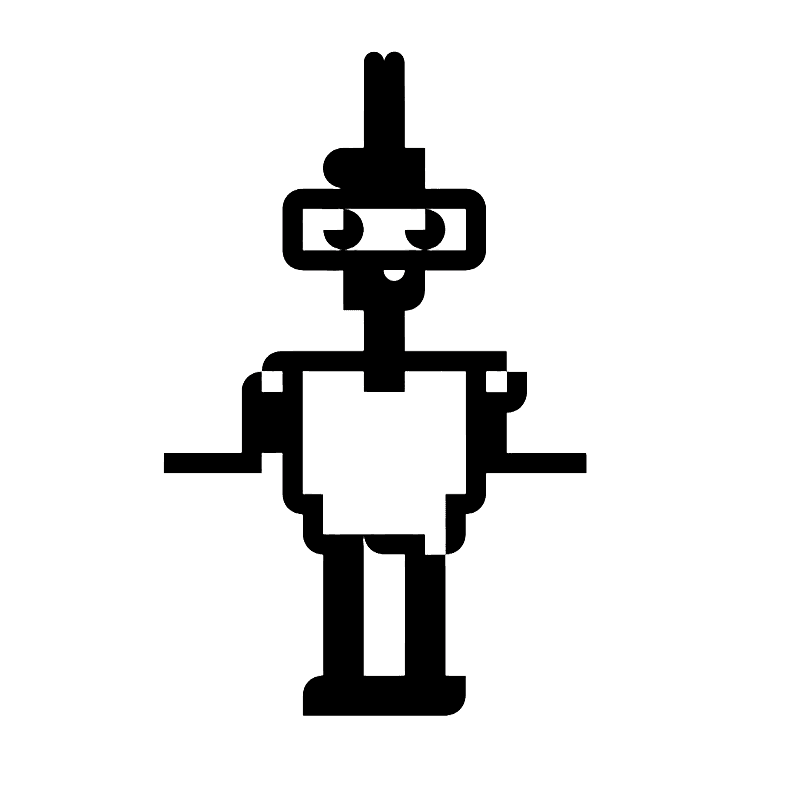
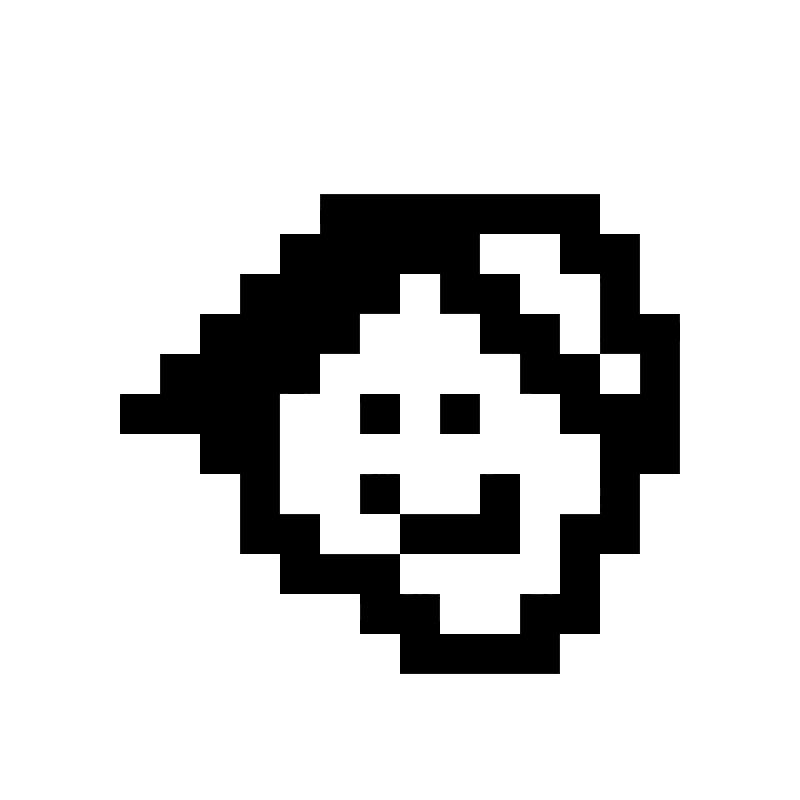
Build with Shape Brushes
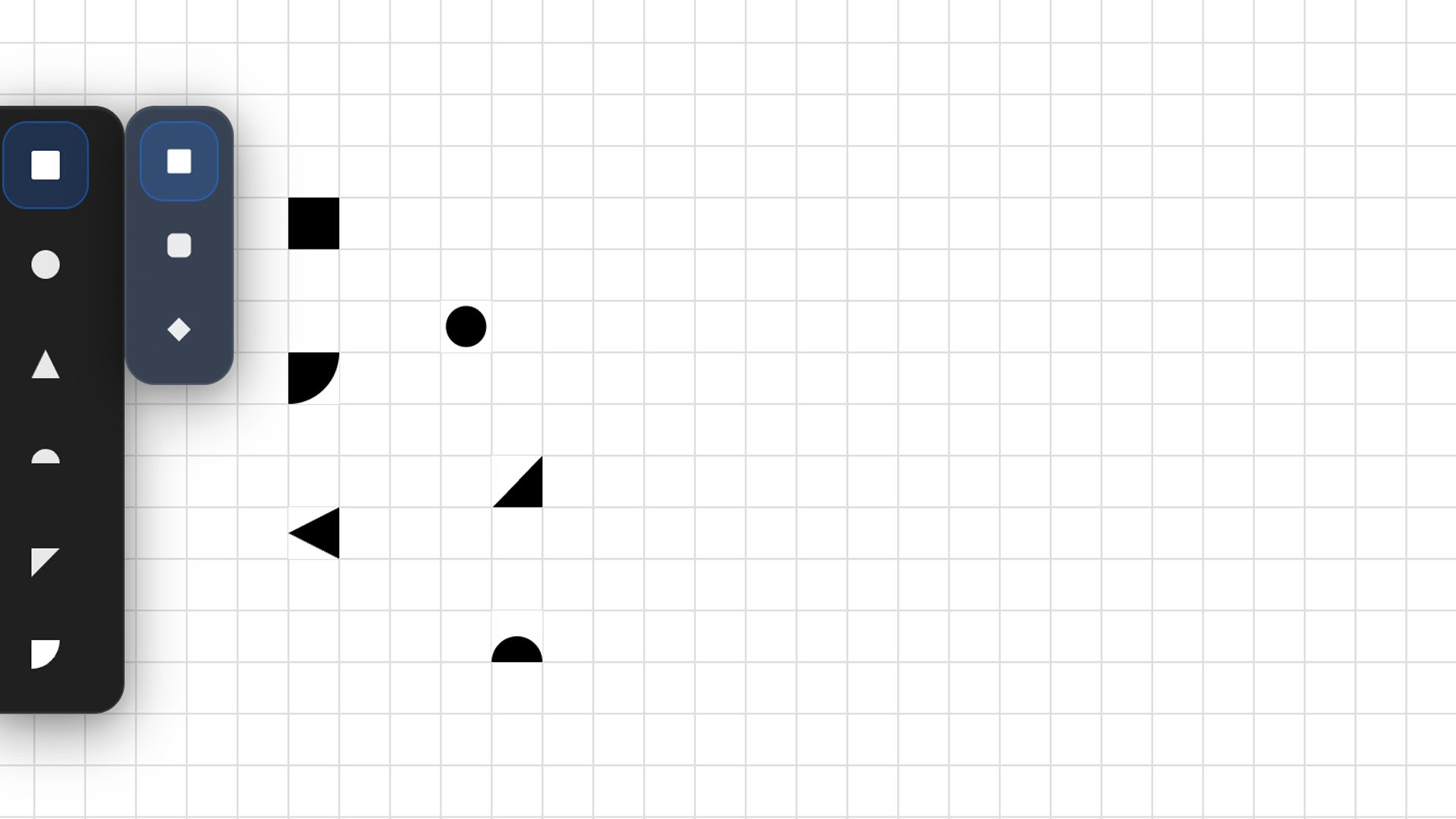
Karu lets you draw using geometric brushes like square, circle, triangle, and more.
Each brush has its own set of variations, giving you freedom to build logos, icons, or patterns.
Shapes respond to the grid, keeping your work pixel-perfect no matter the scale.
Full Color Control
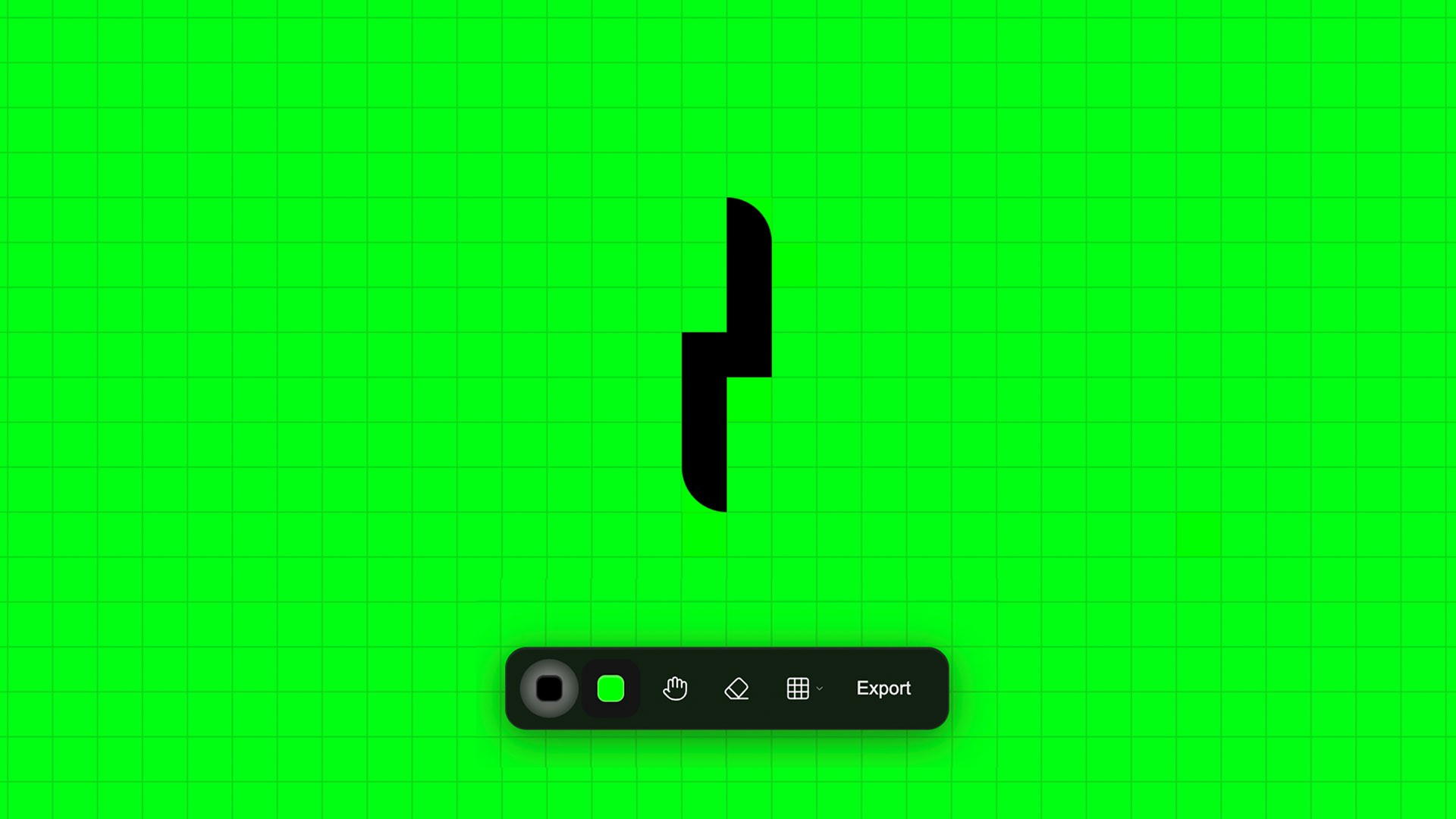
Every element in Karu is customizable.
You can adjust brush colors, background colors, canvas tone, and grid color to match your vision.
Use it with Shortcuts
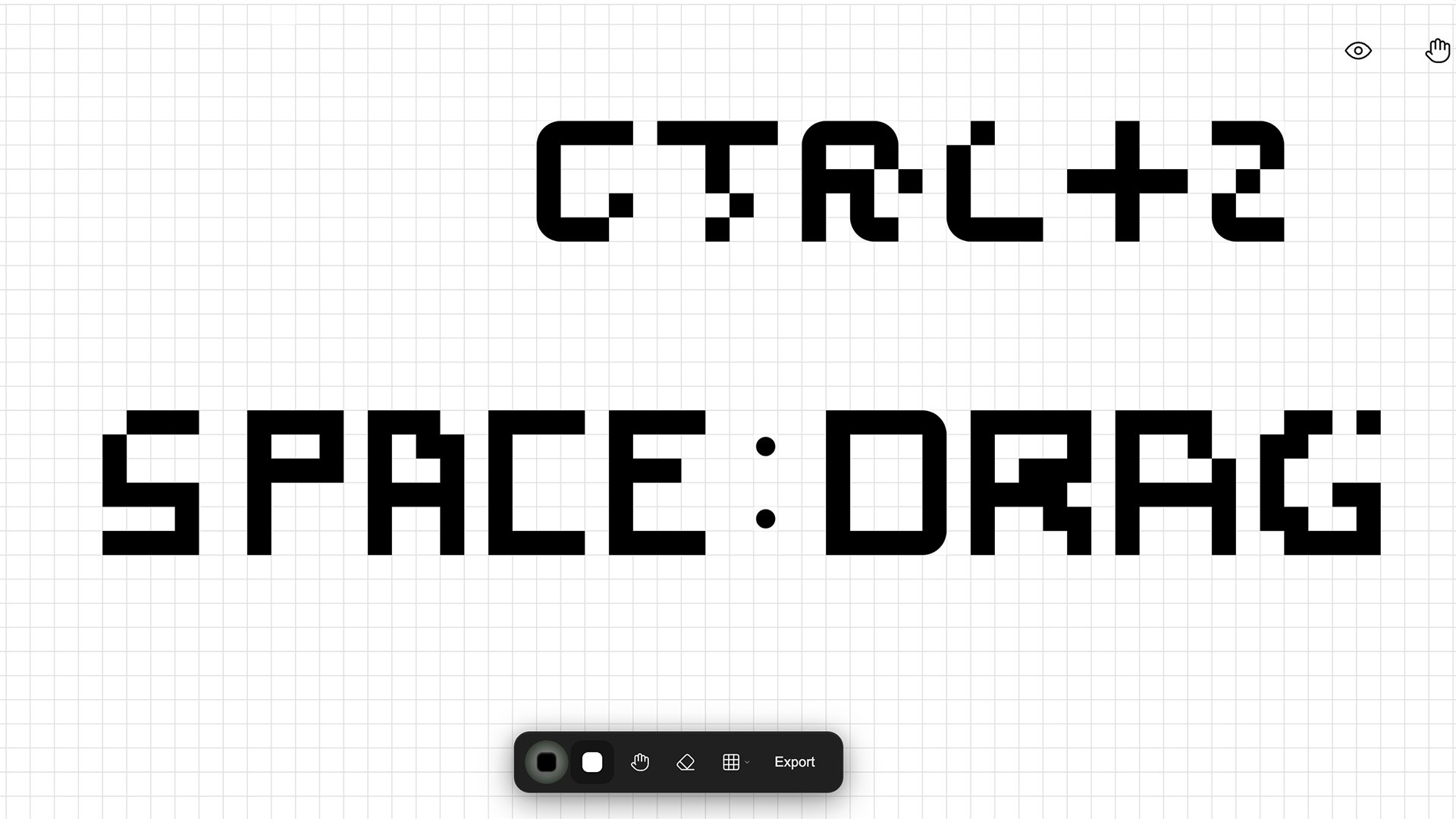
Karu uses keyboard shortcuts and gestures similar to common design tools. Switch brushes, toggle the grid, or undo actions instantly. It feels familiar from the first use, making drawing fast and natural.
Accessible for Everyone
Karu enables every one to creat. With Vision Draw mode, you control the cursor using your eyes; blink to click, look to move.
Air Draw enables you to move your hand to guide the pointer and pinch to draw. A victory sign takes a screenshot of your artwork.